QR code ordering lets a venue's kitchen staff order from their wholesale supplier without a login: the venue prints a code linked to its own account, and anyone who scans it can send an order from the venue's product list at the venue's prices. It suits chefs who text orders and will never create an account.
Key takeaways
- A printed ordering code ties the login to the venue, not the person, so staff turnover stops breaking it.
- Accommodation and food services had Australia's highest job mobility rate, 15.4%, in the year to Feb 2026.
- A sign-up link creates a new customer; an ordering code lets an existing customer's staff order.
- A no-login code should only order: no invoices, balances or settings, with a spend limit and instant revoke.
- Keep cut-offs, delivery days and order minimums enforced on code orders, exactly as for logged-in customers.
- Start with your five heaviest texters and reply to their next text with the card on the cool room door.
In this guide 8 sections
- 01Why won’t some chefs create an ordering account?
- 02What does a texted order actually cost a supplier?
- 03How can a food wholesaler stop taking orders by phone and text?
- 04How does QR code ordering work for wholesale food?
- 05What controls should a no-login ordering code have?
- 06How to roll out QR ordering with a customer who texts
- 07How Open Pantry helps kitchen staff order without a login
- 08FAQs
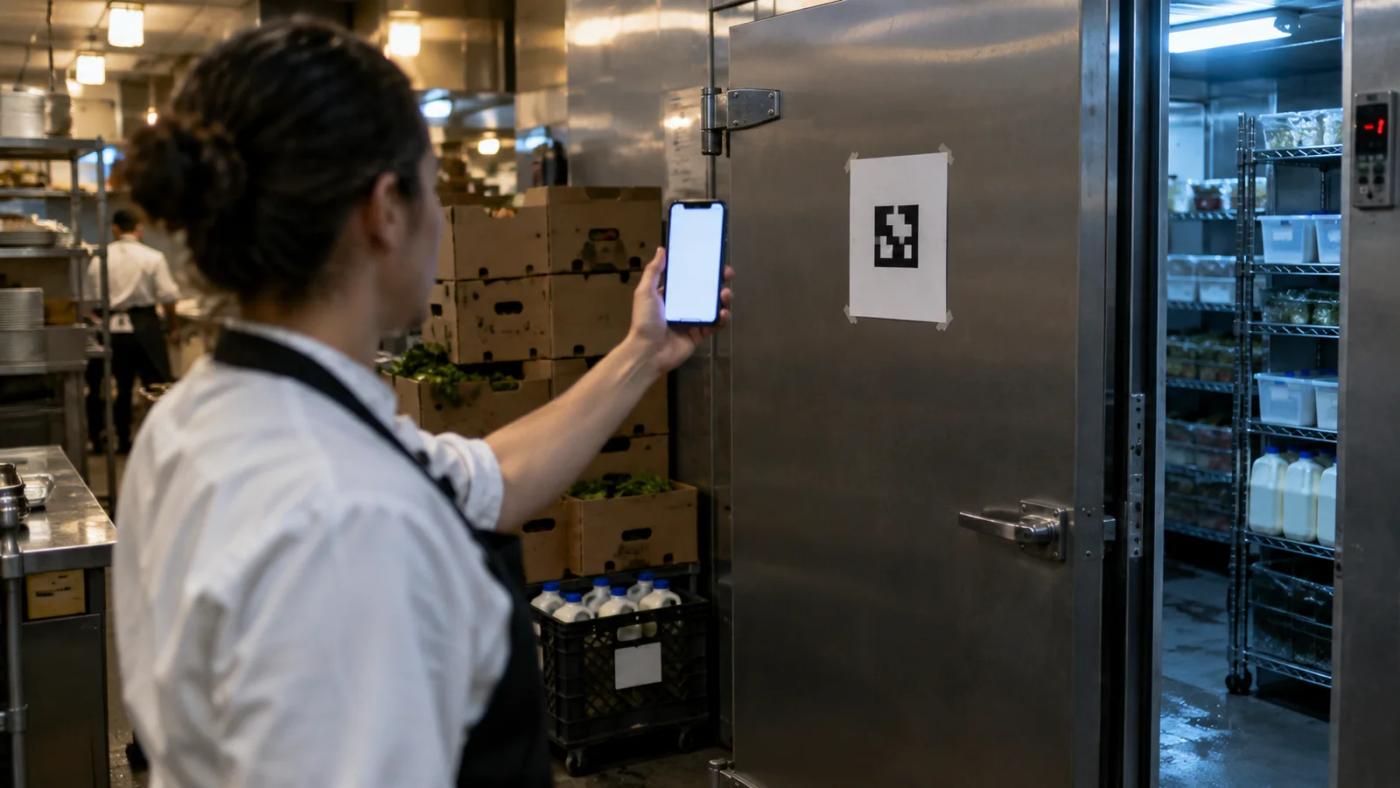
Every supplier has one: the head chef who orders by text at 10.40pm, never opens the app, and has no intention of creating another login. QR code ordering in wholesale food solves that by moving the login off the person and onto a printed card. The venue creates a code linked to its own account, sticks it on the cool room door, and any staff member who scans it can build and send an order from the venue’s product list at the venue’s prices, with no app download and no password.
That matters because the person placing the order changes all the time. Accommodation and food services had the highest job mobility rate of any Australian industry in the year to February 2026, measured by the industry of the job people left: 15.4%, against 7.2% for all employed people (ABS). Logins tied to individuals keep breaking. A code tied to the venue does not.
Why won’t some chefs create an ordering account?
Most chefs who refuse an ordering account are not against technology; they are against one more username for a job that already runs on their phone. The reasons are practical:
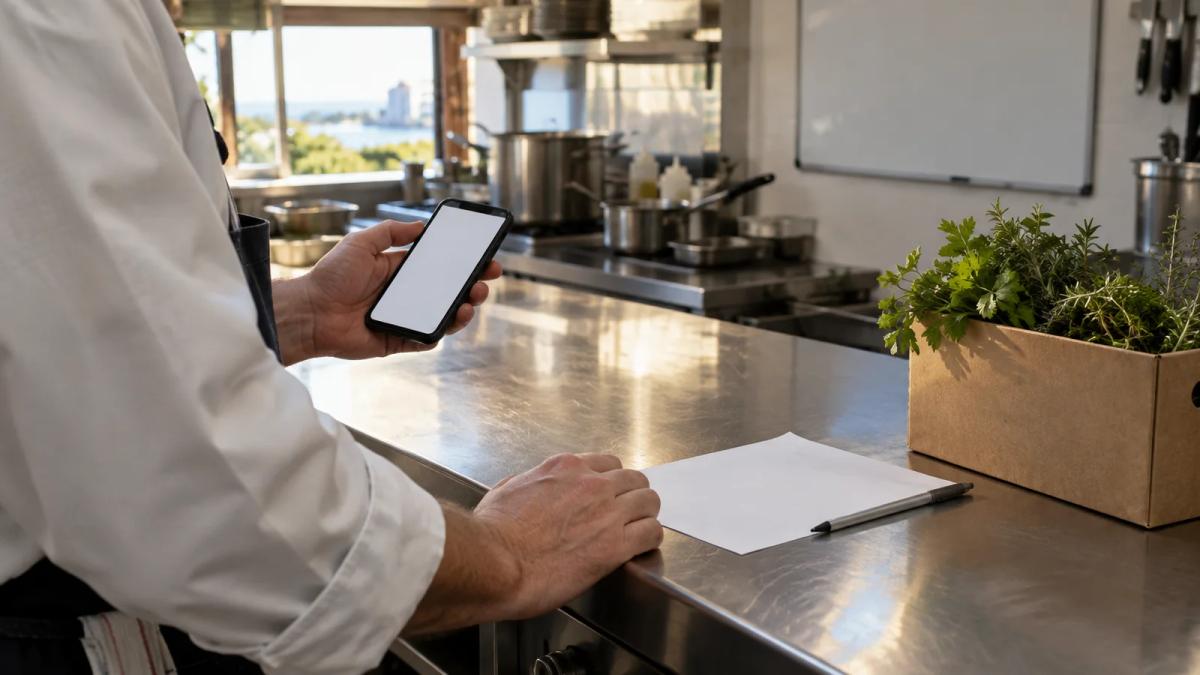
- The orderer keeps changing. Jobs and Skills Australia found that close to half of recruiting employers in accommodation and food services that had replaced staff reported medium-to-high replacement rates, the highest share of any industry (survey August 2023 to May 2024) (Jobs and Skills Australia). The sous chef you set up in March may be gone by June.
- Part-timers order too. Of the 122,700 people employed as chefs in Australia, 22% work part-time (Jobs and Skills Australia). The closing cook who notices you are out of cream is often not the person with the login.
- Shared logins feel risky to owners. A venue owner does not want every casual seeing invoices, account balances and payment details, so they keep the login to themselves and the kitchen goes back to texting.
- Texting is already open. The order is a message to the rep or the warehouse phone, sent from the walk-in. No account beats that on convenience unless it is just as quick.
None of these is solved by sending another invite email. The invite goes to one person; the problem is everyone else in the kitchen.
What does a texted order actually cost a supplier?
A texted order costs a supplier the time to retype it and the risk of getting it wrong, every single time it arrives. Someone has to read "2 x cream, the usual tomatoes, more of those rolls", match it to product codes and pack sizes, check the customer’s price list, and key it before cut-off.
The common failure points:
- Ambiguous products. "Cream" could be thickened, pure or double, in 600ml or 2L. The admin team guesses, or rings back.
- Missed cut-offs. A text at 11pm does not know your cut-off was 9pm. Someone has to decide whether it makes the morning run.
- No delivery minimums. Text orders skip the minimum-order check, so a single-item order lands on a delivery run.
- No record in the system until someone keys it. If the text sits unread on a rep’s phone, the order does not exist.
- Short picks and substitutions get argued later. Without a confirmed order line, the chef’s memory and your invoice disagree.
We covered the costs of off-system orders in more detail in why chefs prefer digital ordering over calls, texts and emails.
How can a food wholesaler stop taking orders by phone and text?
A food wholesaler stops taking orders by phone and text by giving each type of customer a route that is at least as quick as texting, and not by banning texts. In practice that means three routes running side by side:
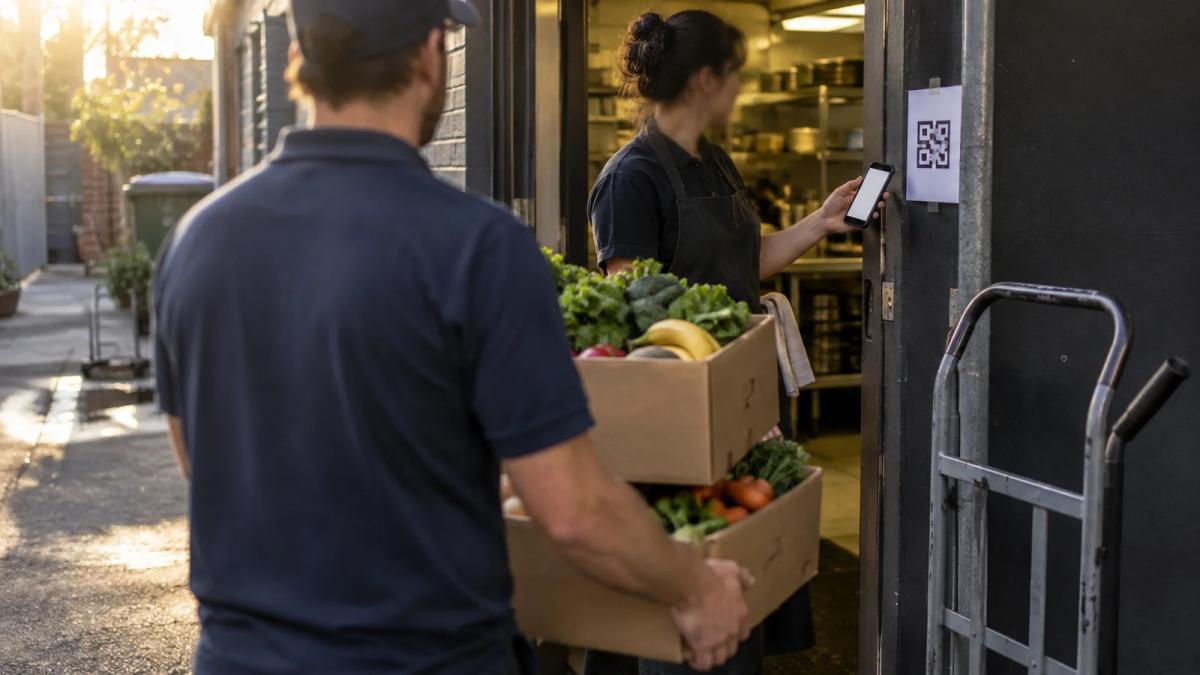
- Accept the text, but stop retyping it. AI order capture reads orders that arrive by email, SMS or WhatsApp and turns them into draft orders for review. This suits customers who will never change channel. See how to automate email, SMS and WhatsApp orders without making customers use an app.
- Give the decision-maker a proper account. The owner or head chef who checks invoices, standing orders and order history should have their own login with their price list, favourites and history.
- Give everyone else in the kitchen a no-login ordering code. This is the QR route: a printed card that lets staff order against the venue’s account without seeing billing or settings.
Most suppliers need all three, because one venue can contain all three types of person.
How does QR code ordering work for wholesale food?
QR code ordering for wholesale food works by linking a printed code to an existing customer account, so scanning the code opens an ordering screen for that venue without a login. The code carries the venue’s identity; the staff member does not need one.
The flow in plain terms:
- The venue’s manager creates an ordering code from their account and prints it.
- The card goes somewhere staff order from: the cool room door, the dry store, the pass.
- A staff member scans it with any phone camera, adds quantities and sends the order.
- The order arrives at the supplier like any other online order, attributed to the venue and to the code that placed it, and the supplier confirms it as usual.
An ordering code is not a sign-up link
Suppliers often already use a sign-up link or QR code on a flyer or invoice to onboard new customers. That is a different job. A sign-up link creates a new customer account and needs details, a price list and approval. An ordering code works for a customer that already exists, so the venue’s pricing, delivery days and order rules are already in place. Use sign-up links to win new venues; use ordering codes to get the rest of an existing venue’s kitchen ordering online.
What controls should a no-login ordering code have?
A no-login ordering code should be able to place orders and nothing else, with limits the venue sets and can switch off at once. Because anyone holding the card can use it, these are the controls to ask about before you offer QR ordering to customers:
- Order-only access. The code should let staff browse, fill a basket and send the order, and never show invoices, balances, billing or account settings.
- A spend limit. A cap per order stops a photographed card turning into a $4,000 surprise.
- A limited product range. Staff should only see the products the venue has chosen for them, not the whole catalogue.
- Optional price display. Some owners do not want casual staff seeing what they pay.
- Instant revoke. If a card goes missing or is photographed, the manager should be able to kill it immediately and print a new one.
- Attribution. Every order should show which code placed it, so "who ordered six boxes of lemons?" has an answer.
- Your rules still apply. Cut-offs, delivery days and minimum orders should be enforced on code orders exactly as they are for logged-in customers.
If a product cannot answer yes to these, a printed QR code is just a shared password stuck to the wall.
How to roll out QR ordering with a customer who texts
Roll out QR ordering with the customers who text most, one venue at a time, and make the card the reply to the next text. A simple sequence:
- Find the texters. Pull a list of customers whose orders arrive by SMS, WhatsApp or late-night calls. Start with the five who send the most.
- Talk to the owner, not the chef. The owner or manager holds the account and creates the code, so explain the controls first: no invoices visible, a spend limit, revoke any time.
- Agree where the card lives. Back of house only. A card on the cool room door works; a card at the front counter does not.
- Answer the next text with the card. Key the order this time, then reply with "Next time scan the card on the cool room door, it’s quicker." Repeat once or twice.
- Check after two weeks. Look at how many orders came through the code versus by text. If a venue is still texting, ask the chef what slowed them down.
- Keep AI order capture running. Some texts will keep coming. Capturing them automatically means the change never depends on every chef changing habits.
How Open Pantry helps kitchen staff order without a login
Open Pantry is an Australian B2B ordering and operations platform for wholesale food and beverage suppliers, with restaurant ordering, inventory and menu-costing tools (founded 2018). Its QR ordering codes let a venue’s staff order from a printed card with no app and no login. The venue manager creates a code from the Teammates screen, chooses which product lists it can order from, sets a spend limit, decides whether prices show and can revoke the code at any time. The card can only browse, fill a basket and send the order, at the venue’s own prices. It sits alongside the branded ordering app and online store, per-venue customer-specific pricing and AI order capture for email, SMS and WhatsApp orders, so QR code ordering in wholesale food becomes one more route into the same order flow.
Frequently asked questions
Can kitchen staff order from a wholesale supplier without creating an account?
Yes, if the supplier's ordering platform supports no-login ordering codes. The venue creates a code linked to its existing account and prints it as a QR card. Staff scan it with any phone, add quantities and send the order, which arrives with the venue's details and pricing. The code can only place orders, so staff never see invoices, balances or account settings.
How can a food wholesaler stop taking orders by phone and text?
Offer a route that is as quick as texting for each type of customer rather than banning texts. Give owners and head chefs their own ordering accounts, give the rest of the kitchen a printed no-login ordering code, and use AI order capture to turn the texts, emails and WhatsApp messages that still arrive into draft orders, so nobody retypes them.
Is a QR ordering code safe if someone photographs the card?
It is only as safe as its limits. Anyone holding a photo of the card can use it, so a code should be restricted to ordering, carry a spend limit per order and be revocable instantly. Keep cards back of house, check which code placed each order, and if a card is lost or copied, revoke it and print a new one the same day.
What is the difference between a customer sign-up QR code and an ordering code?
A sign-up QR code or link onboards a new customer: it creates an account that still needs business details, a price list and approval. An ordering code works for a venue that is already a customer, so its pricing, delivery days and order rules are in place. Use sign-up links to win new venues and ordering codes to get existing kitchens ordering online.
Do QR code orders still follow my order cut-offs and delivery minimums?
They should, and you should check this before offering QR ordering. A code order is still an order against the venue's account, so the supplier's cut-off times, delivery days and minimum order values ought to apply exactly as they do for logged-in customers. In Open Pantry, an order below the supplier's minimum cannot be sent from a code.
Sources
- Australian Bureau of Statistics: Job mobility, February 2026 (accommodation and food services 15.4%, all employed 7.2%)
- Jobs and Skills Australia: REOS spotlight, employers' experiences with retention issues (survey Aug 2023 to May 2024)
- Jobs and Skills Australia: Labour market insights, Chefs (ANZSCO 3513): 122,700 employed, 22% part-time
- Open Pantry: Branded Ordering App, QR ordering cards FAQ (accessed 24 Nov 2026)
- Open Pantry Help Centre: QR ordering codes, let staff order by scanning a card (accessed 24 Nov 2026)
- Open Pantry Help Centre: How to invite a customer (accessed 24 Nov 2026)
- Open Pantry blog: Why Chefs Prefer Digital Ordering Over Calls, Texts and Emails
- Open Pantry blog: How to Automate Email, SMS and WhatsApp Orders Without Making Your Customers Use an App