


Customer Overview & Risk Level
Quick answer: The Customer Overview 360 view shows each customer's financial summary, status, connection state and a Risk Level that flags accounts needing attention.
Each customer has a 360-degree overview that pulls together everything you need to know about them — their financial position, how they're connected to you, and how likely they are to stop ordering. Open a customer from Customers → Customer List, then their record.
What does the customer list show?
Before you even open a customer, the Customer List shows you the essentials:
- Status pills — OK or On-hold, so you can see at a glance who's in good standing.
- Financial strip — overdue, within-terms and total balances, plus average days to pay and last payment.
What is the Customer Overview (360)?
Open a customer to see their full picture — a financial summary and their connection state. If the customer isn't yet connected to your accounting system, you'll see a banner explaining that some financial detail is unavailable until you connect (see the accounting article).
Risk Level — who might you lose?
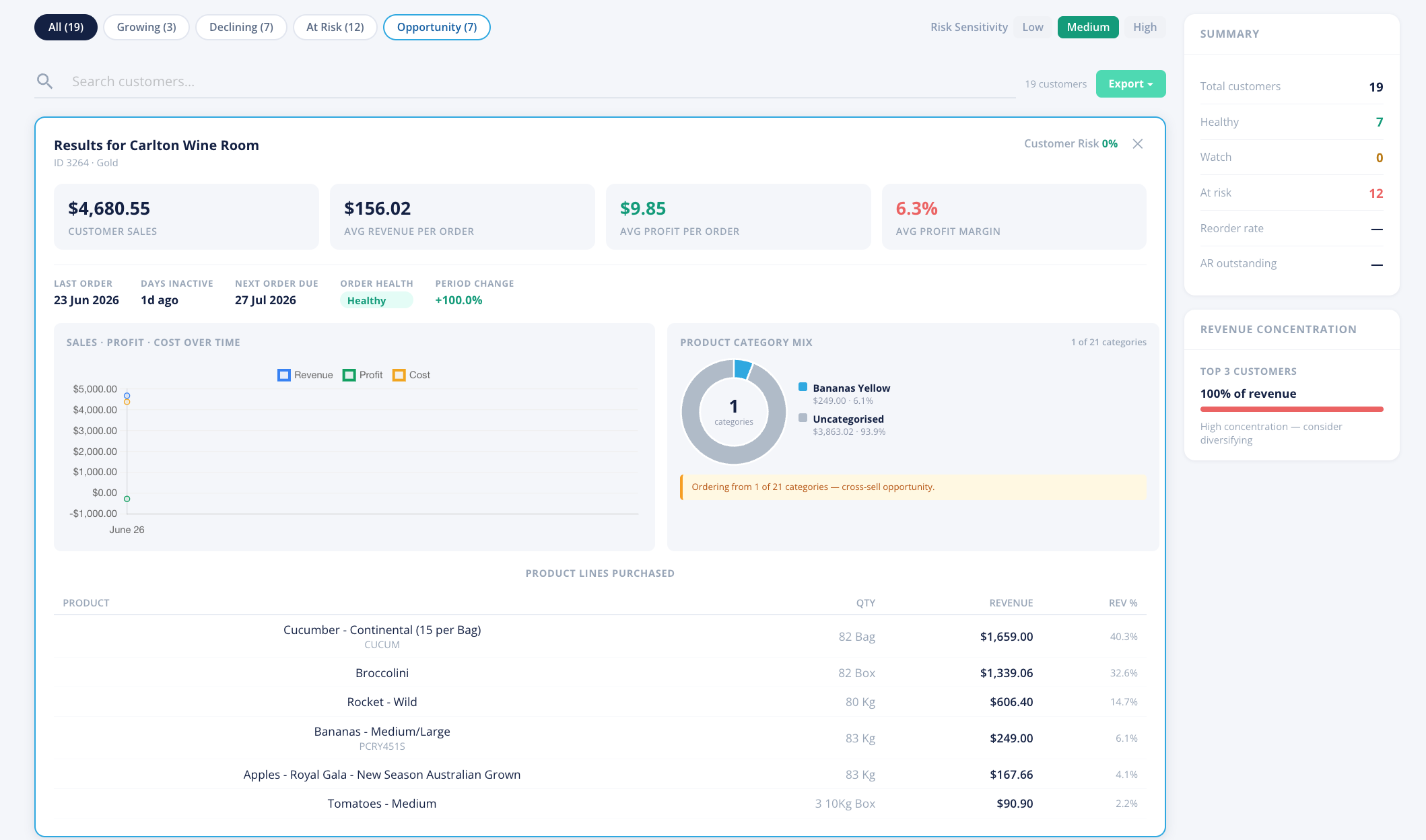
Open Pantry calculates a churn Risk Level for each customer — an estimate of how likely they are to stop ordering, based on their buying pattern. It's a smart statistical model (BG/NBD) that learns each customer's normal rhythm, so an irregular-but-loyal buyer isn't wrongly flagged.
Right next to the Risk Level is a Risk Sensitivity control with three settings:
- Low — flags only the customers who are clearly drifting away.
- Medium — a balanced setting (the default).
- High — flags customers earlier, so you catch them sooner (but with more on the list).
Switching the sensitivity re-calculates the risk straight away, so you can dial it to suit how proactive you want to be.
Tip: Use the Reporting → Customers tab to see all your at-risk and opportunity customers in one filtered list, rather than checking them one by one.