


Back
Delivery zones
Quick answer: With Advanced delivery on (Delivery runs → Manage runs, Enterprise), the Zones tab groups postcodes into delivery zones. Customers are placed in a zone by their postcode, and unassigned orders show a zone tag — or a red Outside zones pill.
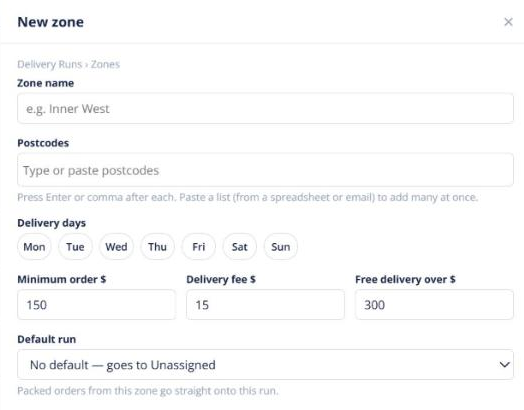
- Open Delivery runs → Zones.
- Create a zone and add its postcodes.
- To move existing customers into zones, click Move N customers to zones. You see a dry run first, and you can undo it within 30 days.
A customer’s zone also shows on their Delivery tab. Zones don’t change anyone’s freight charges.