


Holding stock for an order, “can be filled by” groups and the oversell limit
Quick answer: Hold stock reserves specific pallets, cartons or lots for one order line. Can be filled by lets a product be picked from any of several member products. The oversell limit lets customers order a set amount beyond what you have in stock. Turn the first two on under Inventory → Settings → Warehouse features (Enterprise).
Hold stock for an order line
- Open the supplier order and click Hold stock on the line.
- Tick the pallets, cartons or lots you want, or click Auto-hold FEFO to fill the line oldest use-by first.
- Click Save. The line shows a green Stock held pill.
Stock held for another order is greyed out. On the picker, held cartons are planned first, a carton held for another order is blocked, and a carton that isn’t the held one asks Use anyway? (the choice is logged). Holds are released if the line is removed or the order is cancelled, and used up when the order is invoiced.
Can be filled by
On Inventory → product → Summary, the Fulfilment card lets you add member products, with optional weight ranges. A Group-only product is sold but never stocked: its availability is the sum of its members. The picker scans any member, and the invoice shows “Filled by: …” while keeping the ordered product and price. Customers can opt out with Accept equivalents on their Information tab.
Oversell limit
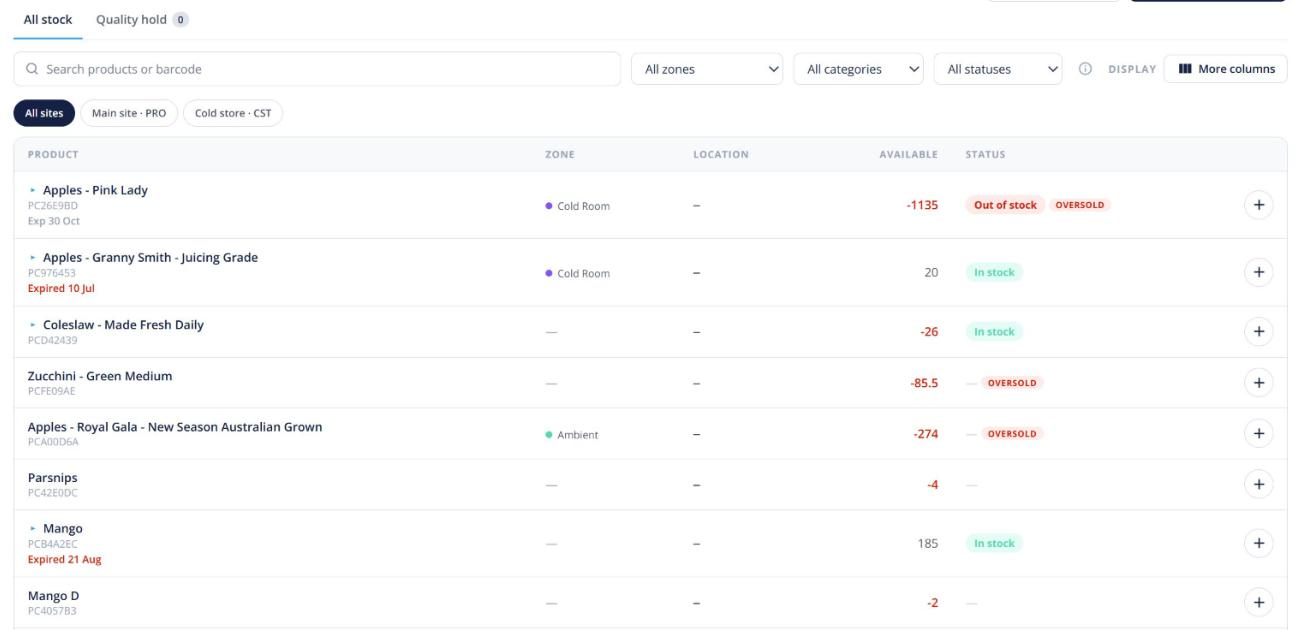
Choose Keep selling up to a limit as your stock-availability setting and set a default limit. Any product can override it on its Summary, which shows the sum (on hand − reserved + limit). Beyond that, customers see how many are available. Lines that went beyond free stock show an amber Forward-sold chip.
Ordering for a customer who is on stop
When staff place an order for a customer, the blue bar shows their credit state. For a customer on stop, someone with the Override credit stop permission can click Place anyway… and give a reason; others see Ask a manager. Overrides are recorded on the order’s activity.