


Back
Minimum shelf life for customers
Quick answer: Set the minimum number of days’ shelf life a customer will accept. Picking then takes the oldest lot that still meets their rule, and the office is warned if nothing does. Turn on Min shelf life in Advanced stock control (Enterprise).
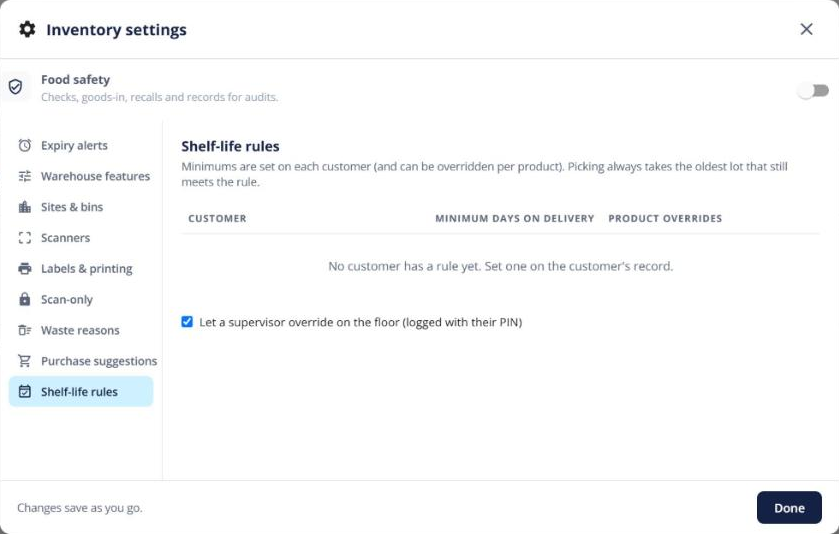
Set the rules
- A product default on the product’s Summary.
- A customer minimum, with per-product overrides, on the customer’s record.
- See them all under Settings → Shelf-life rules.
What happens when you pick
The picker card shows the customer’s need and any lots it skipped. If no lot meets the rule, a supervisor can override with their PIN or the line is shorted. In the office, the order line shows Can’t meet shelf life with options to short the line or accept fewer days.