


Back
Suggested purchase orders
Quick answer: Purchase orders → Suggested proposes what to reorder from each vendor based on demand and stock. You review and edit the quantities; nothing is created or sent until you confirm. Turn on Suggested POs in Advanced stock control (Enterprise).
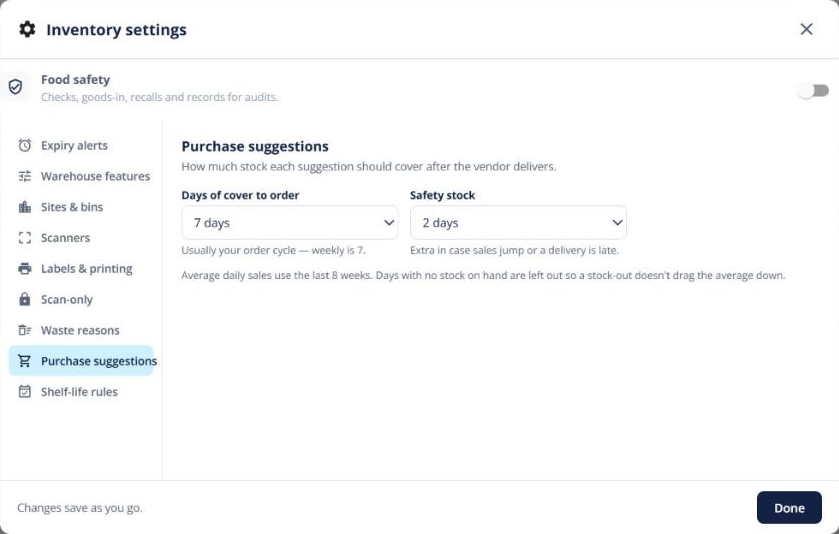
- Open Purchase orders → Suggested. There’s one card per vendor.
- Click Why? on a line to see how the quantity was worked out, and how confident the suggestion is.
- Change any quantity, then click Create & send POs and confirm.
One purchase order is created per vendor and emailed to them with the PDF attached.
Tip: each product’s Summary also shows a forecast card with days of cover and a suggested reorder, and a Draft purchase order button.