


Back
Voice ordering: letting customers order by voice
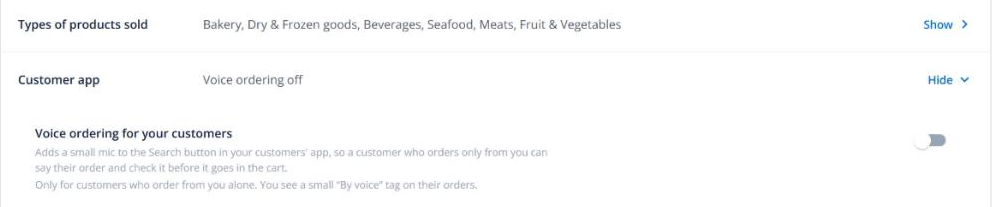
Quick answer: Turn on Voice ordering for your customers in Business settings → Business → Customer app. Customers who order only from you can then hold a mic button and say their order. They check each line before it goes into their cart. It’s off by default and isn’t available on the free plan.
What your customer sees
- A small green mic beside the search button (phone) or search box (computer).
- After they speak, an Is this right? sheet lists each line. Unsure lines ask “Which one did you mean?” or “How many?”. Items you don’t sell can be added as a note.
- Add n items to cart puts the lines in their normal cart, so your minimums, cut-offs and prices all still apply.
What you see
Voice orders show By voice in the Channel column of All Orders. You never see or hear the recording.